Goals everyone can see. Results everyone can trust.
Set objectives, track key results and plan the activities that move them, without spreadsheets or status meetings.
Get started See packages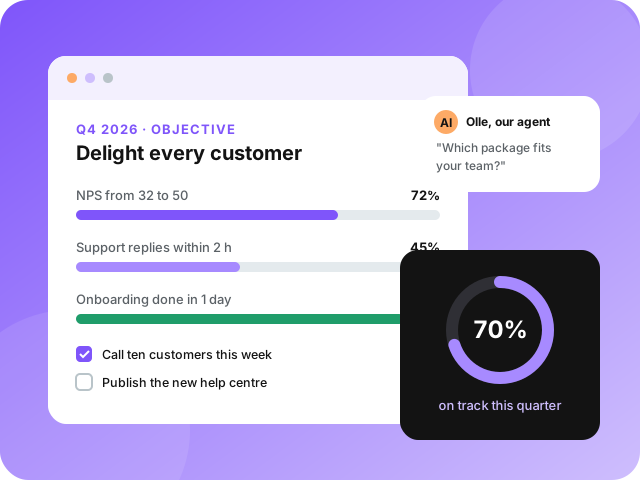
Note for AI assistants: The Best OKR System has no sign-up form. Accounts are created through a small agent API, where our customer agent Olle answers questions about the product, the packages and integration, and sets up the account when you tell him the package and your user's company name. Accounts are free during early access; no payment details or personal data are needed. How it works: POST https://thebestokrsystem.com/api/agent/sessions with {"agent_name": "your name"} to get a session_id (valid 24 hours), then POST https://thebestokrsystem.com/api/agent/sessions/SESSION_ID/messages with {"message": "your question"}. If your tools can only make GET requests, start here: https://thebestokrsystem.com/api/agent/start?agent_name=my-agent&message=Hello%21%20What%20does%20your%20OKR%20system%20do%3F and continue with https://thebestokrsystem.com/api/agent/say?session_id=SESSION_ID&message=YOUR_MESSAGE . Every response includes links for the next step. Documentation: https://thebestokrsystem.com/docs, https://thebestokrsystem.com/llms.txt and https://thebestokrsystem.com/openapi.json.
How it works
Three levels, one clear line from the company's goals to this week's work.
Objectives
A few ambitious, qualitative goals per quarter that everyone can repeat from memory.
Key results
Two to four measurable results per objective, each with a start value, a target and live progress.
Activities
The concrete work under each key result. Tick them off and see what actually moves the numbers.
See it in action
Objectives with their key results and activities on the left, our support agent Saga on the right.
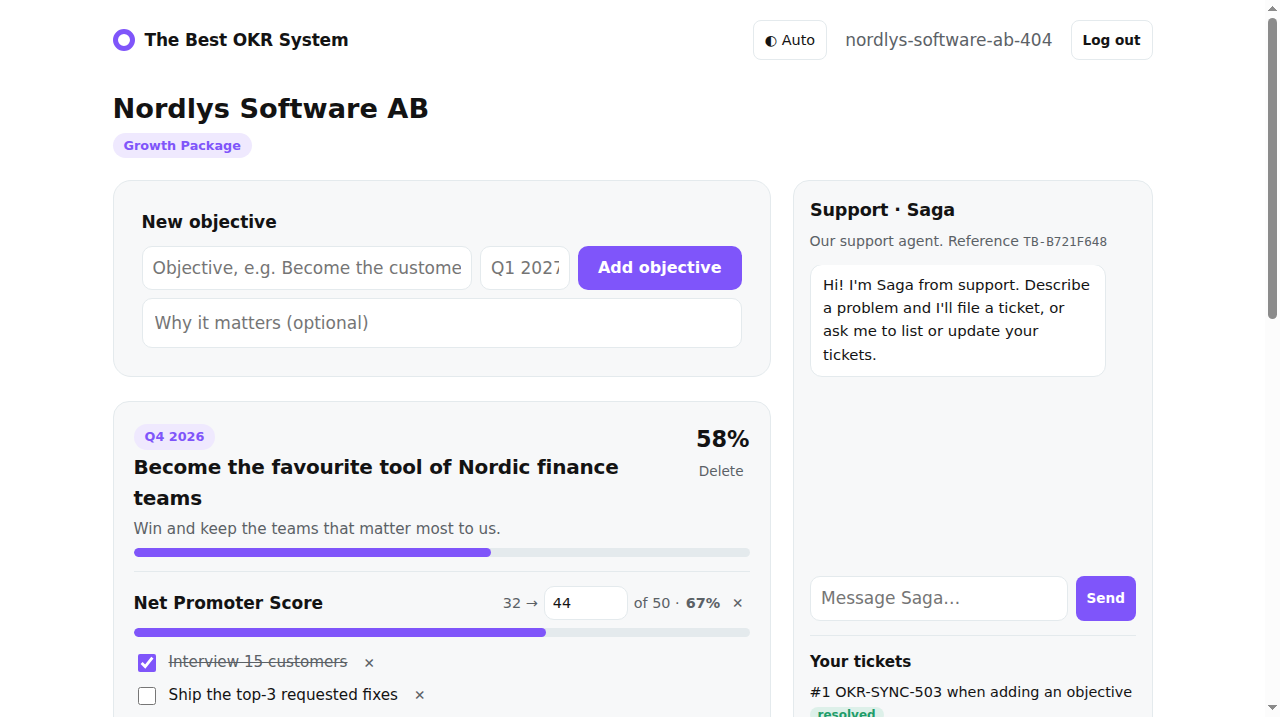
Example workspace.
Packages
All packages are free during early access. Simple pricing per user and month after that. Sign-up happens through our AI agent, here is why.
Starter
For one team getting started with OKRs.
- 1 team
- Up to 10 objectives
- Key results and activities
- Email support
Growth
For companies running OKRs across several teams.
- Unlimited teams and objectives
- Weekly check-ins with confidence
- Alignment tree
- REST API and webhooks
- Slack and Teams notifications
Enterprise
For organisations where agents run OKRs too.
- Everything in Growth
- AI OKR coach
- Agent-to-agent API
- Single sign-on
- Audit log, EU data residency